
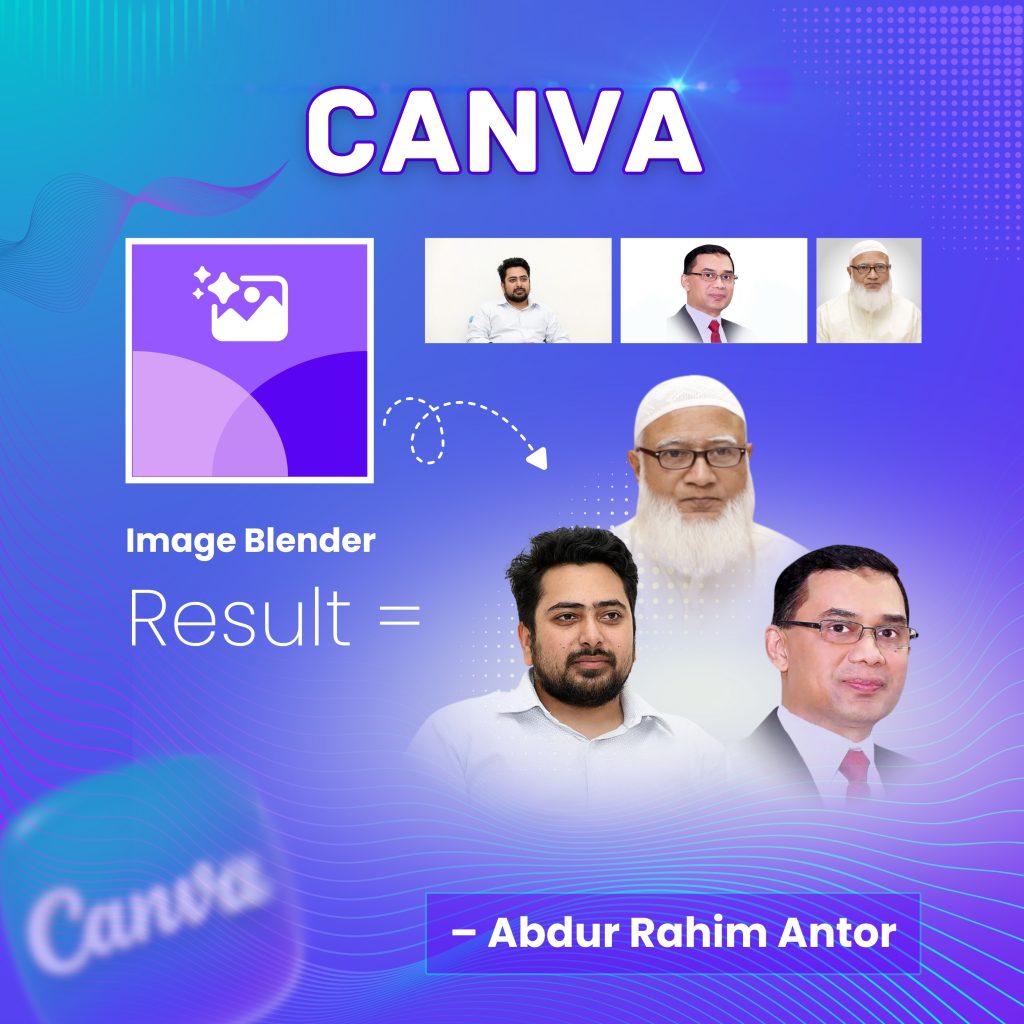
In the world of design, there is a golden rule: “The best editing is the one you cannot see.”
For us Canva users, merging multiple images has always been a bit of a struggle. Traditionally, we tried to hide the edges using ‘Transparency’ or by placing ‘Gradient’ elements over the photos. But let’s be honest—it rarely looked perfect. Often, a harsh line remained, or the colors looked washed out.
Many people believe that for seamless, butter-smooth blending, you absolutely need Adobe Photoshop.
As a Canva Expert, I am here to debunk that myth. Today, I am introducing you to a hidden gem inside Canva that will completely change your design workflow: the “Image Blender” app.
Why You Should Ditch the Manual Method
When you place two photos side-by-side, the transition is usually obvious. We try to fix it, but it takes time and effort. The “Image Blender” app solves this using AI that mimics advanced Photoshop masking.
Here is why this tool is a game-changer:
-
Zero Hard Edges: It merges photos so naturally that they look like a single image.
-
Preserves Quality: Unlike transparency hacks, your photos stay vibrant and sharp.
-
Saves Time: What used to take 15 minutes of tweaking now takes 3 clicks.
How to Use It (Step-by-Step Guide)
Using this tool is incredibly simple. Follow these steps to create your first manipulation:
1. Find the App Open your Canva editor. On the left-side menu, click on ‘Apps’. In the search bar, type “Image Blender”. Look for the icon (usually purple/blue) and click to open it.
2. Select & Blend Upload or select the images you want to merge. The app offers various blending modes (like Fade, Gradient, or Radial). Choose the one that fits your composition.
3. The Final Polish Once you are happy with the blend, click ‘Add to Design’. Voila! You have a professional-grade composition ready to go.
(Take a look at the featured image of this post. I used this exact technique to blend three separate portraits into one cohesive team photo.)
Why This Matters for Entrepreneurs
My philosophy is “Design for Entrepreneurs.” I know you are busy building your business. You don’t have hours to learn complex software like Photoshop, but you still need your brand to look premium.
With the Image Blender, you can:
-
Create stunning product posters for your e-commerce store.
-
Design professional team photos without organizing a photoshoot.
-
Make social media banners that look like they were designed by a top-tier agency.
Conclusion
Upgrading your design game isn’t just about creativity; it’s about knowing the right tools. Stop struggling with rough edges and start blending like a pro. Try the Image Blender app today and see the magic for yourself.
